WCAG 2.2 Card Deck
Browse all WCAG 2.2 Level A, AA and AAA success criteria as interactive cards
Showing 87 of 87 criteria
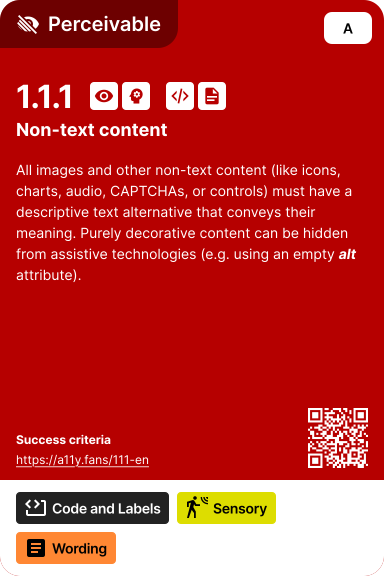
All images and other non-text content (like icons, charts, audio, CAPTCHAs, or controls) must have a descriptive text alternative that conveys their meaning. Purely decorative content can be hidden from assistive technologies (e.g. using an empty **_alt_** attribute).
All non-text content needs text alternatives so screen readers and assistive technologies can convey their meaning. This includes images, icons, charts, form controls, and audio CAPTCHAs. Decorative images should be marked so they're ignored by assistive technology.
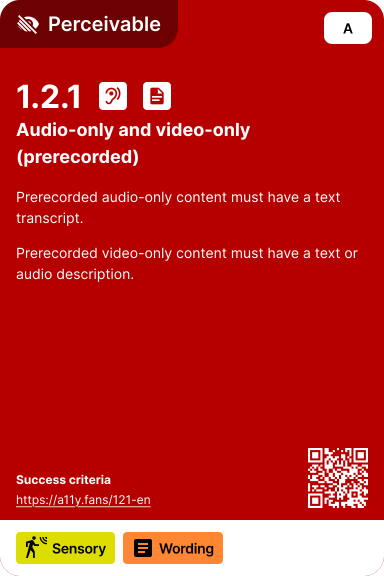
Prerecorded audio-only content must have a text transcript. Prerecorded video-only content must have a text or audio description.
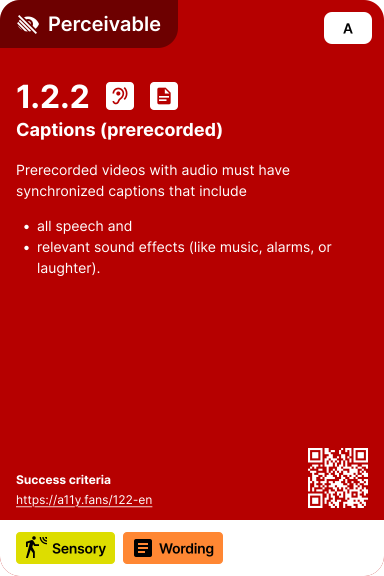
Prerecorded videos with audio must have synchronized captions that include * all speech * relevant sound effects (like music, alarms, or laughter).
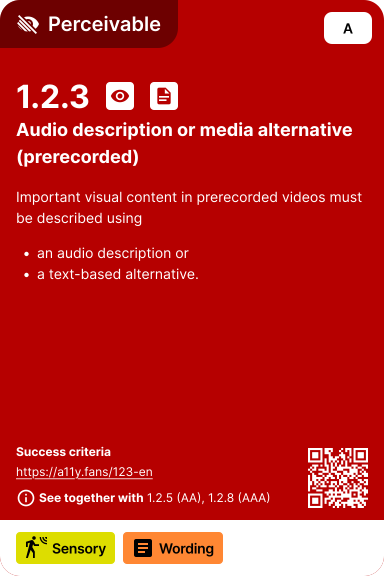
Important visual content in prerecorded videos must be described using * an audio description or * a text-based alternative.
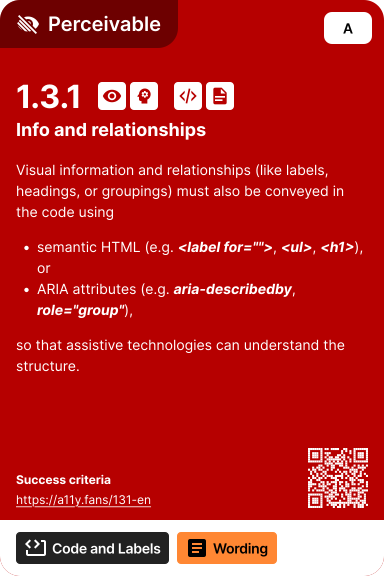
Visual information and relationships (like labels, headings, or groupings) must also be conveyed in the code using: * semantic HTML (e.g. **_<label for="">_**, **_<ul>_**, **_<h1>_**), or * ARIA attributes (e.g. **_aria-describedby_**, **_role="group"_**), so that assistive technologies can understand the structure.
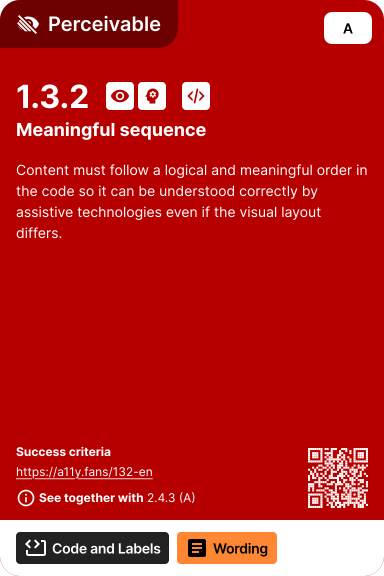
Content must follow a logical and meaningful order in the code so it can be understood correctly by assistive technologies even if the visual layout differs.
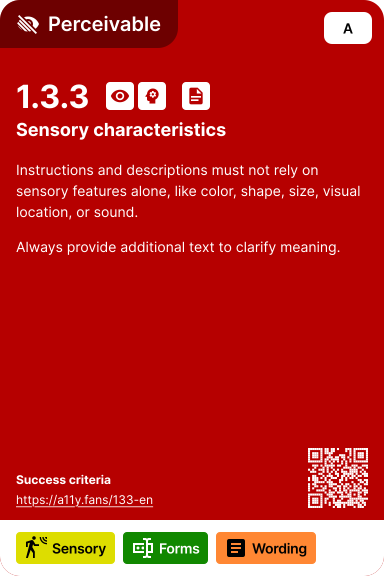
Instructions and descriptions must not rely on sensory features alone, like color, shape, size, visual location, or sound. Always provide additional text to clarify meaning.
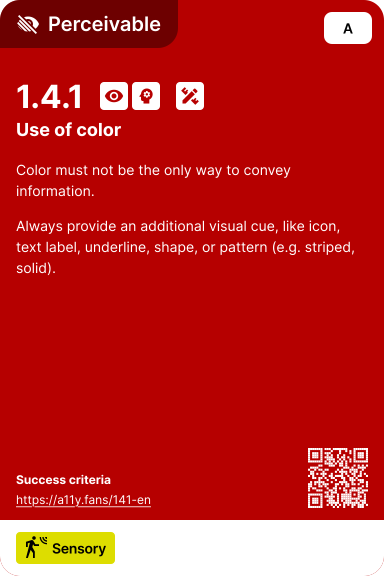
Color must not be the only way to convey information. Always provide an additional visual cue, like icon, text label, underline, shape, or pattern (e.g. striped, solid).
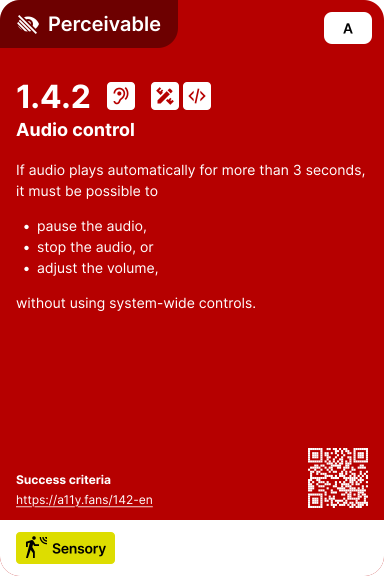
If audio plays automatically for more than 3 seconds, it must be possible to * pause the audio, * stop the audio, or * adjust the volume, without using system-wide controls.
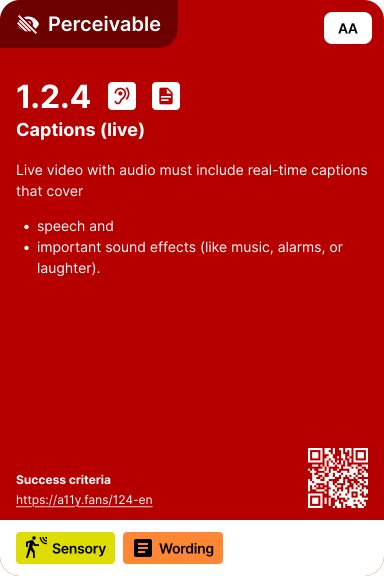
Live video with audio must include real-time captions that cover * speech and * important sound effects (like music, alarms, or laughter).
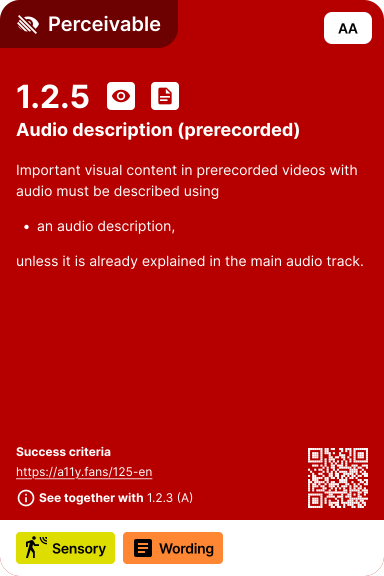
Important visual content in prerecorded videos with audio must be described using * an audio description, unless it is already explained in the main audio track.
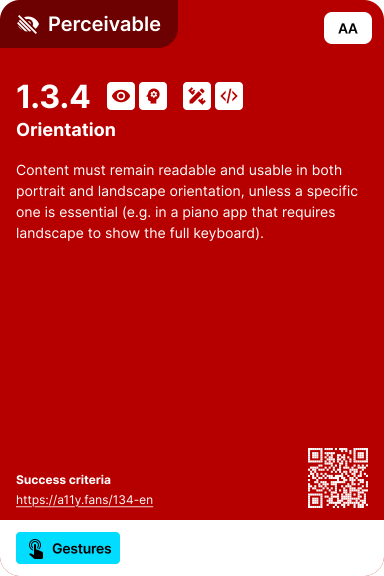
Content must remain readable and usable in both portrait and landscape orientation, unless a specific one is essential (e.g. in a piano app that requires landscape to show the full keyboard).
The purpose of common form fields (like name, email, or address) must be defined in the code so that browsers and assistive technologies can offer input support, such as autocomplete.
Text contrast against its background must be at least * 4.5:1 for normal text, or * 3:1 for large text (over 24px, or bold and over 19px).
Sufficient color contrast ensures text is readable for users with low vision, color blindness, or viewing in bright conditions. The contrast ratio is calculated based on the relative luminance of text and background colors.
Text must be actual text, not images of text, unless a specific visual presentation is absolutely necessary (e.g. logo).
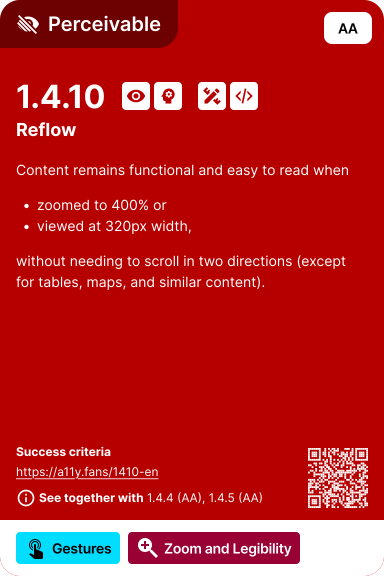
Content remains functional and easy to read when * zoomed to 400% or * viewed at 320px width, without needing to scroll in two directions (except for tables, maps, and similar content).
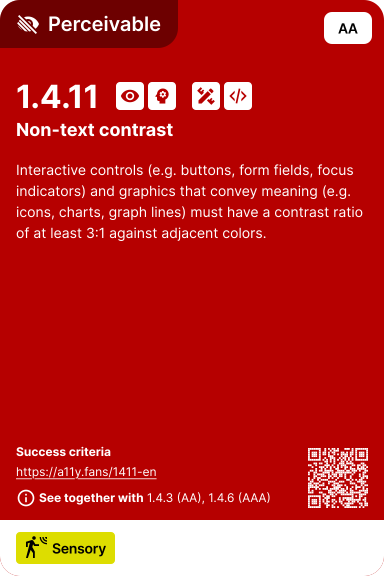
Interactive controls (e.g. buttons, form fields, focus indicators) and graphics that convey meaning (e.g. icons, charts, graph lines) must have a contrast ratio of at least 3:1 against adjacent colors.
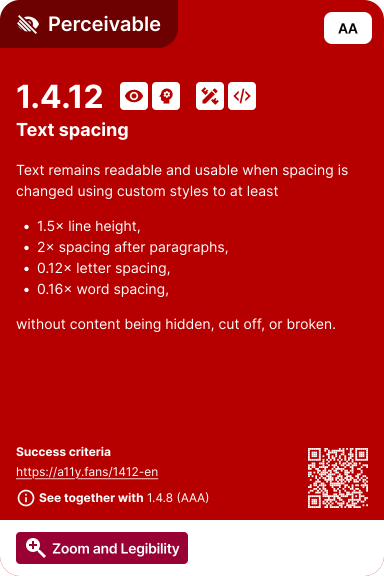
Text remains readable and usable when spacing is changed using custom styles to at least * 1.5× line height, * 2× spacing after paragraphs, * 0.12× letter spacing, * 0.16× word spacing, without content being hidden, cut off, or broken.
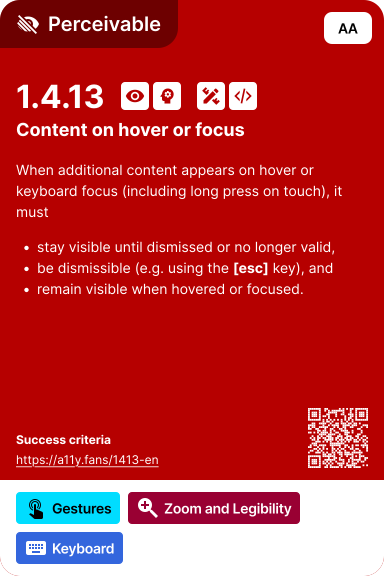
When additional content appears on hover or keyboard focus (including long press on touch), it must * stay visible until dismissed or no longer valid, * be dismissible (e.g. using the **[esc]** key), and * remain visible when hovered or focused.
All prerecorded videos with audio must include a sign language interpretation.
Prerecorded videos must include extended audio descriptions if important visual content like * important visual details, * on-screen text not spoken aloud, or * scenes without natural audio breaks can't be described during normal playback.
Prerecorded videos must have a full text alternative that includes: * all speech, * relevant sound effects (like music, alarms, or laughter), and * important visual content, even if captions and audio descriptions are already available.
Live audio-only content must include a real-time text alternative, such as * captions, or * live transcripts.
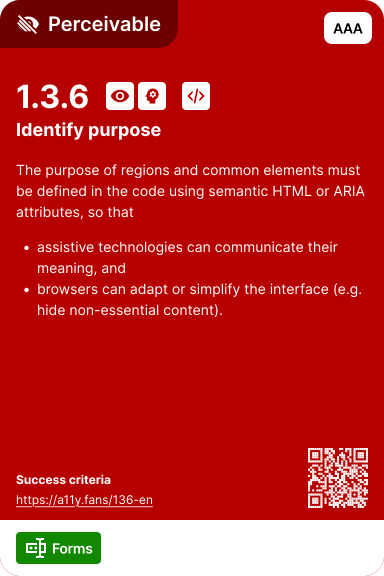
The purpose of regions and common elements must be defined in the code using semantic HTML or ARIA attributes, so that * assistive technologies can communicate their meaning, and * browsers can adapt or simplify the interface (e.g. hide non-essential content).
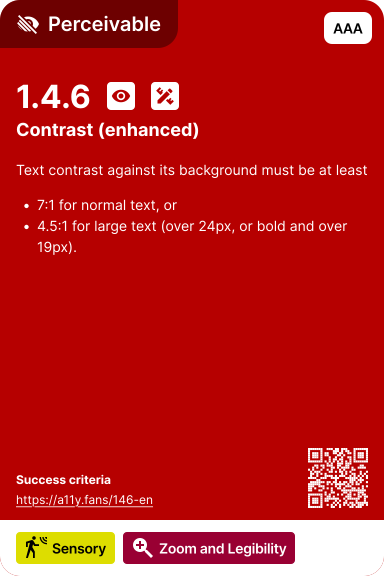
Text contrast against its background must be at least * 7:1 for normal text, or * 4.5:1 for large text (over 24px, or bold and over 19px).
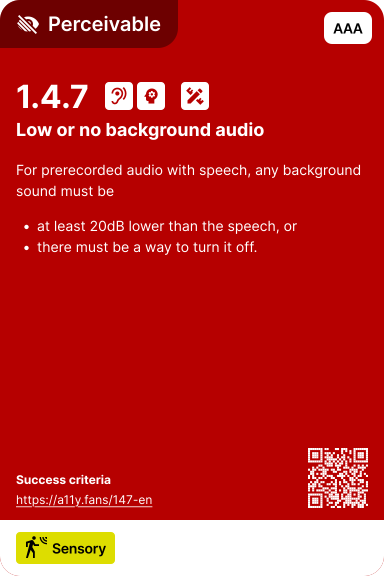
For prerecorded audio with speech, any background sound must be * at least 20dB lower than the speech, or * there must be a way to turn it off.
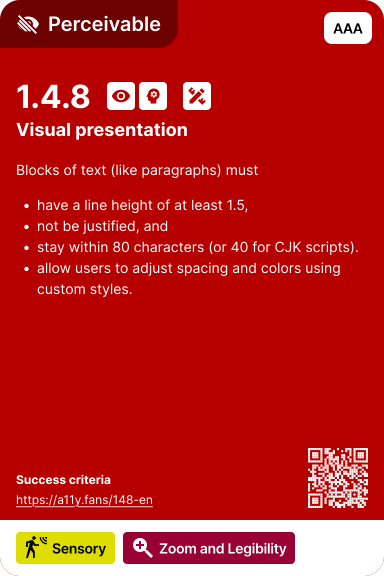
Blocks of text (like paragraphs) must * have a line height of at least 1.5, * not be justified, and * stay within 80 characters (or 40 for CJK scripts). * allow users to adjust spacing and colors using custom styles.
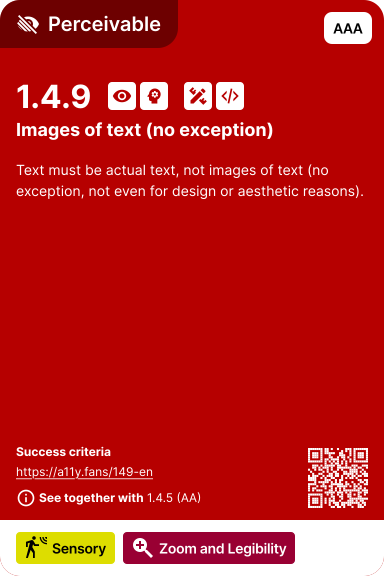
Text must be actual text, not images of text (no exception, not even for design or aesthetic reasons).
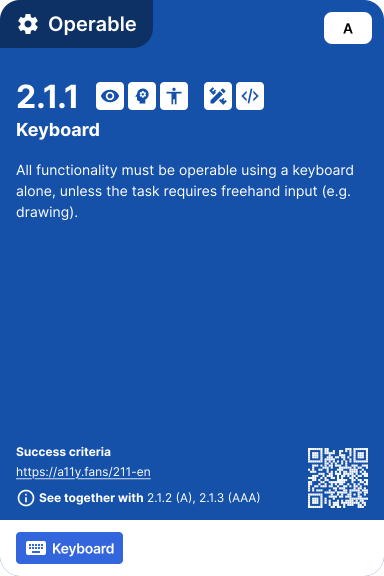
All functionality must be operable using a keyboard alone, unless the task requires freehand input (e.g. drawing).
Users who cannot use a mouse—including those with motor disabilities, blind users with screen readers, and power users—must be able to operate all functionality with a keyboard. This includes navigation, form controls, custom widgets, and interactive elements.
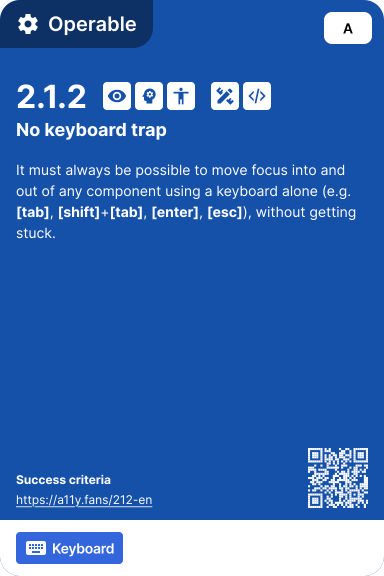
It must always be possible to move focus into and out of any component using a keyboard alone (e.g. **[tab]**, **[shift]**+**[tab]**, **[enter]**, **[esc]**), without getting stuck.
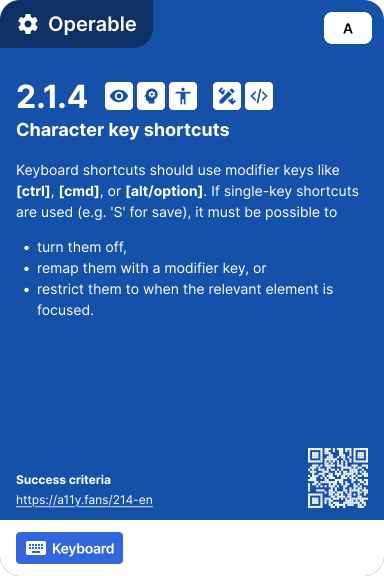
Keyboard shortcuts should use modifier keys like **[ctrl]**, **[cmd]**, or **[alt/option]**. If single-key shortcuts are used (e.g. 'S' for save), it must be possible to * turn them off, * remap them with a modifier key, or * restrict them to when the relevant element is focused.
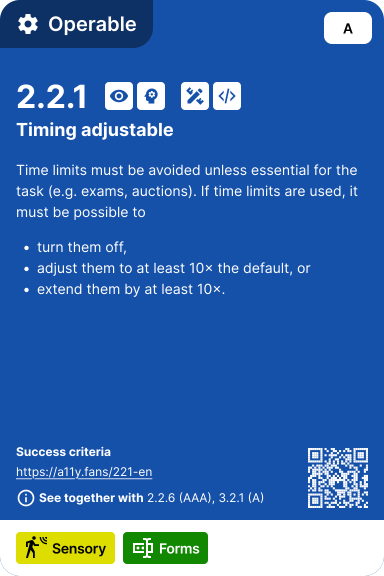
Time limits must be avoided unless essential for the task (e.g. exams, auctions). If time limits are used, it must be possible to * turn them off, * adjust them to at least 10× the default, or * extend them by at least 10×.
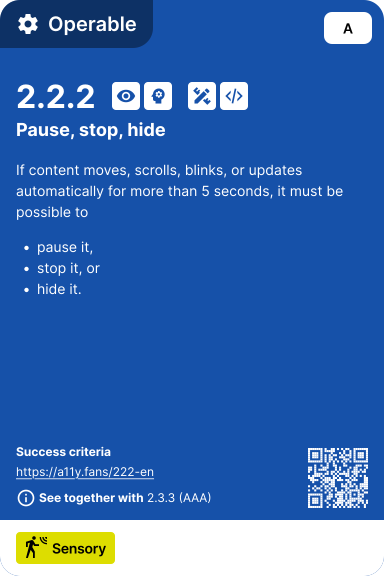
If content moves, scrolls, blinks, or updates automatically for more than 5 seconds, it must be possible to * pause it, * stop it, or * hide it.
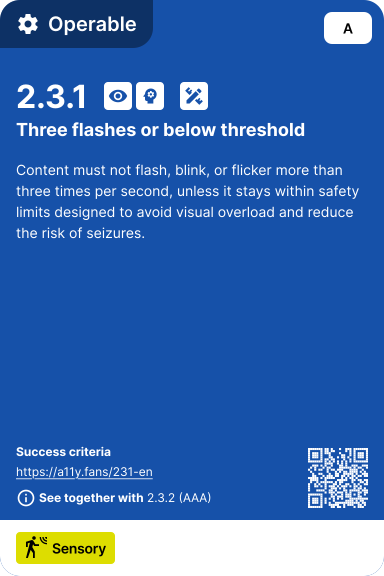
Content must not flash, blink, or flicker more than three times per second, unless it stays within safety limits designed to avoid visual overload and reduce the risk of seizures.
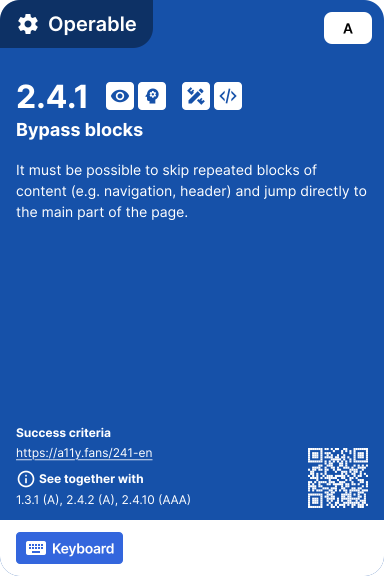
It must be possible to skip repeated blocks of content (e.g. navigation, header) and jump directly to the main part of the page.
Each page must have a unique and descriptive **_<title>_** that reflects its topic or purpose.
Focus must follow a logical and meaningful order that preserves relationships and matches how the page is naturally read, regardless of layout or language direction.
The purpose of each link must be clear from * the link text itself, or * the surrounding context.
Actions that rely on gestures (like swiping or pinching) must also be possible using a single tap, click, or button.
Actions must not trigger on press or touch down. They must only trigger on release (like mouse-up or finger lift).
The visible text of a button, link, or form field must also be part of its accessible (programmatic) name.
If an action can be triggered by motion (like shaking or tilting the device), it must also * work without motion, and * be possible to turn off motion-based input.
At least two different ways must be available to find pages or content (e.g. navigation menus, on-page links, site search, or a sitemap).
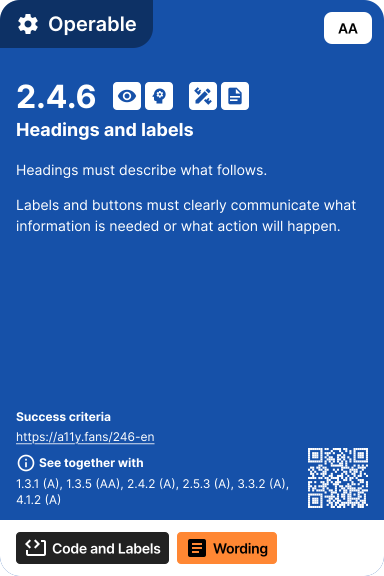
Headings must describe what follows. Labels and buttons must clearly communicate what information is needed or what action will happen.
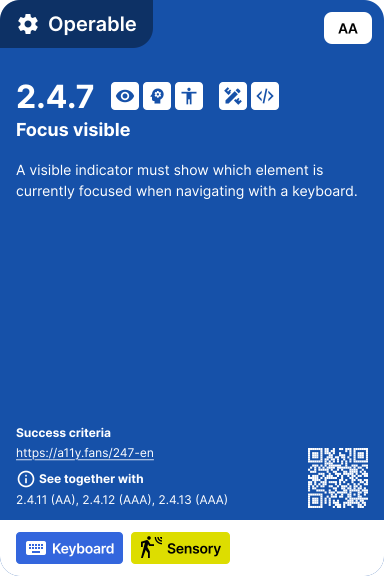
A visible indicator must show which element is currently focused when navigating with a keyboard.
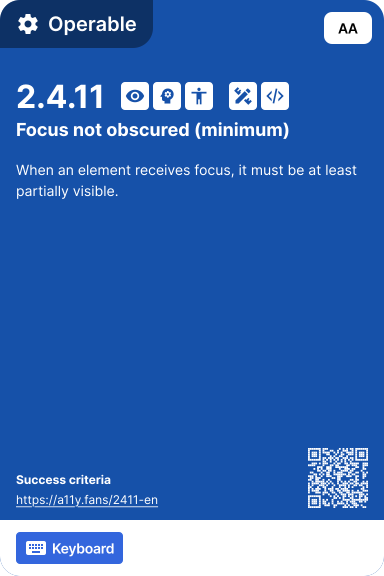
When an element receives focus, it must be at least partially visible.
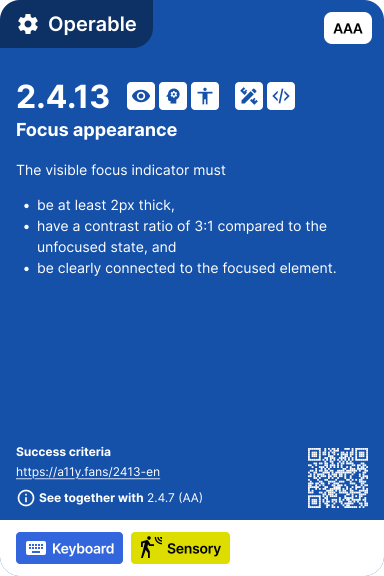
The visible focus indicator must * be at least 2px thick, * have a contrast ratio of 3:1 compared to the unfocused state, and * be clearly connected to the focused element.
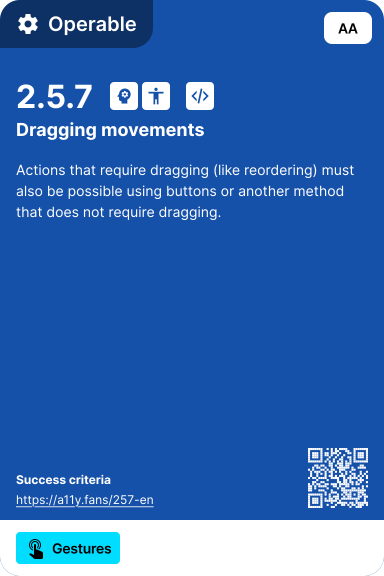
Actions that require dragging (like reordering) must also be possible using buttons or another method that does not require dragging.
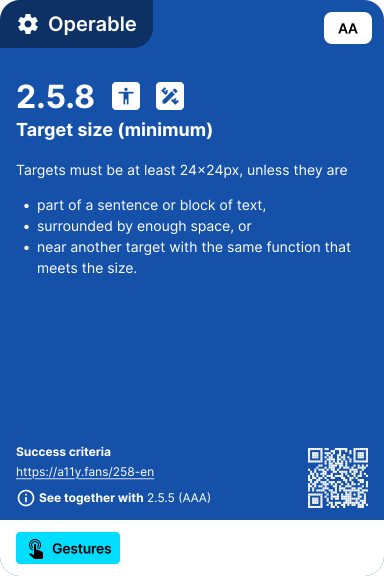
Targets must be at least 24×24px, unless they are * part of a sentence or block of text, * surrounded by enough space, or * near another target with the same function that meets the size.
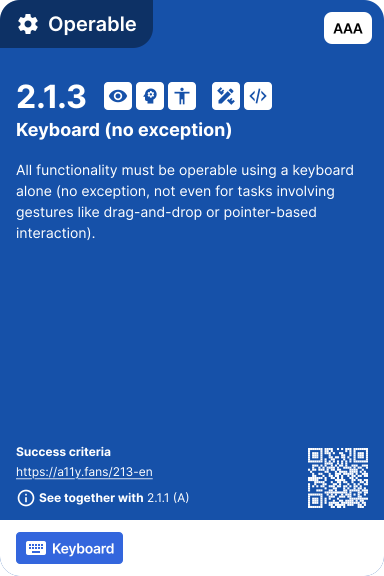
All functionality must be operable using a keyboard alone (no exception, not even for tasks involving gestures like drag-and-drop or pointer-based interaction).
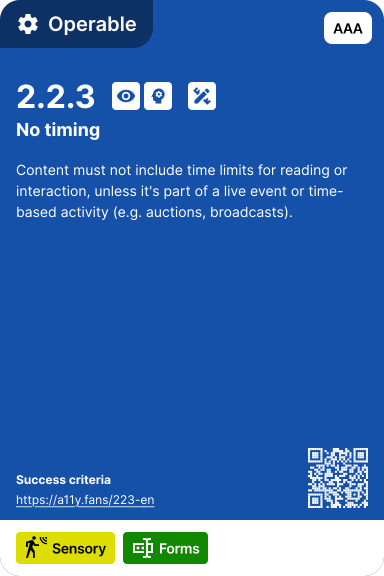
Content must not include time limits for reading or interaction, unless it's part of a live event or time-based activity (e.g. auctions, broadcasts).
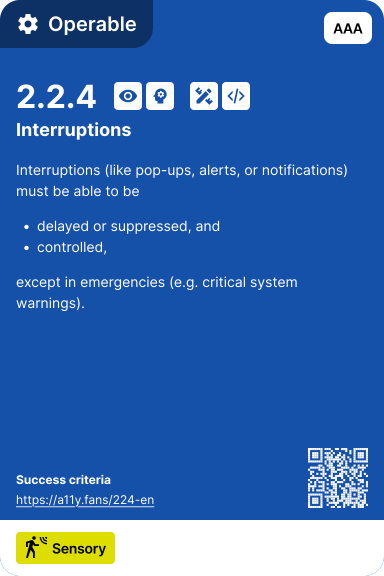
Interruptions (like pop-ups, alerts, or notifications) must be able to be * delayed or suppressed, and * controlled, except in emergencies (e.g. critical system warnings).
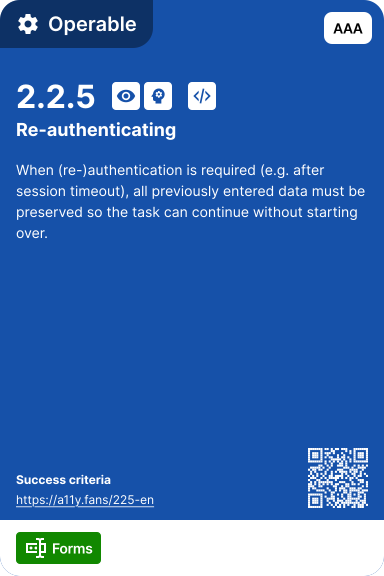
When (re-)authentication is required (e.g. after session timeout), all previously entered data must be preserved so the task can continue without starting over.
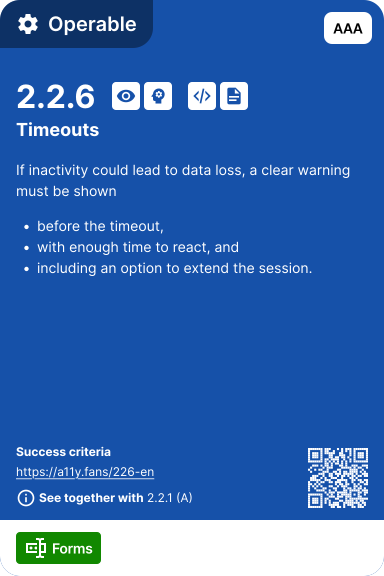
If inactivity could lead to data loss, a clear warning must be shown * before the timeout, * with enough time to react, and * including an option to extend the session.
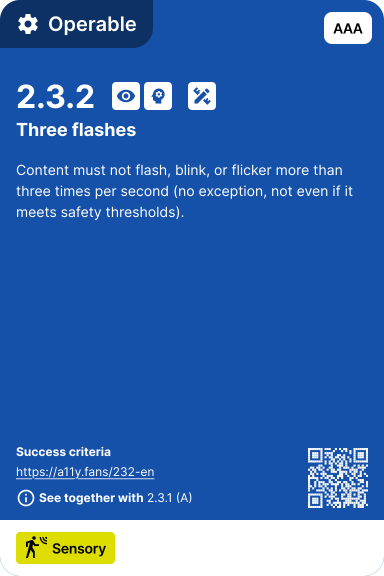
Content must not flash, blink, or flicker more than three times per second (no exception, not even if it meets safety thresholds).
Animations triggered by interaction (e.g. on click, hover, tap) must be able to be * disable through system settings (e.g. "reduce motion"), or * turn off using a site-level option.
It must be clear where you are within a set of pages (e.g. using breadcrumbs, highlighted menu items, or headings).
The purpose of each link must be clear * from the link text alone * without relying on surrounding context.
Related content must be organized into clear sections using headings.
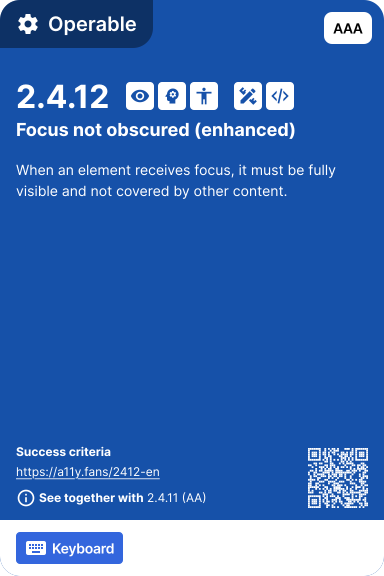
When an element receives focus, it must be fully visible and not covered by other content.
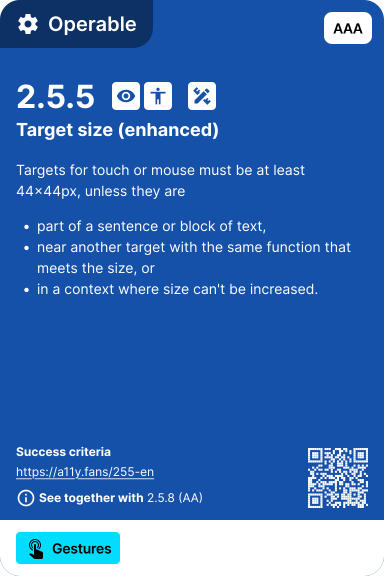
Targets for touch or mouse must be at least 44×44px, unless they are * part of a sentence or block of text, * near another target with the same function that meets the size, or * in a context where size can't be increased.
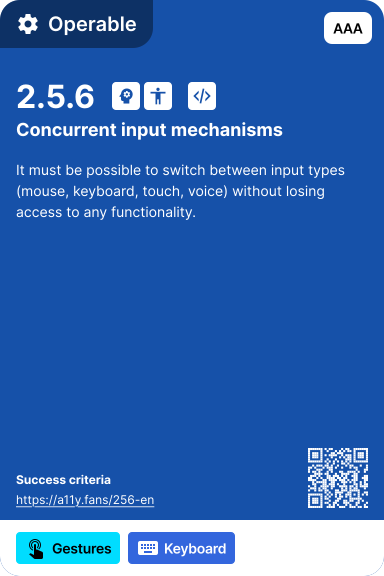
It must be possible to switch between input types (mouse, keyboard, touch, voice) without losing access to any functionality.
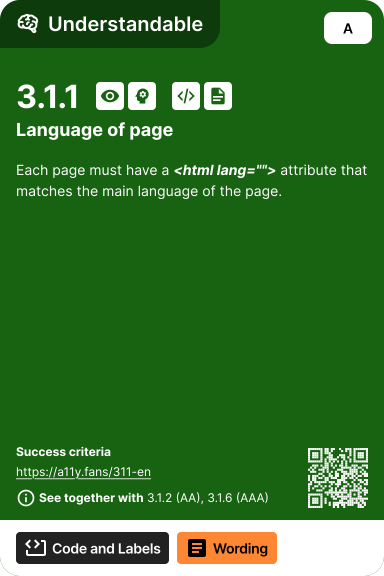
Each page must have a **_<html lang="">_** attribute that matches the main language of the page.
No unexpected changes must happen when an element receives focus (like open a popup, move focus, submit a form).
No unexpected changes must happen when a field value changes (like auto-submit, reload, open new page).
Errors and validation must be clearly identified and described in text, not just visually (like color or highlighting).
Form fields must have clear labels or instructions to avoid confusion and help complete the input correctly.
Any parts of the content in a different language must be marked with the correct lang attribute. Expressions borrowed from another language (like "déjà vu" in English) do not need this, unless pronunciation or understanding would be affected.
Navigation elements (like menus, links, search) must appear in the same place and order across pages.
Elements with the same function must look, behave, and be labeled the same way across pages.
Help options (like contact link, support widget) must appear in the same place across pages.
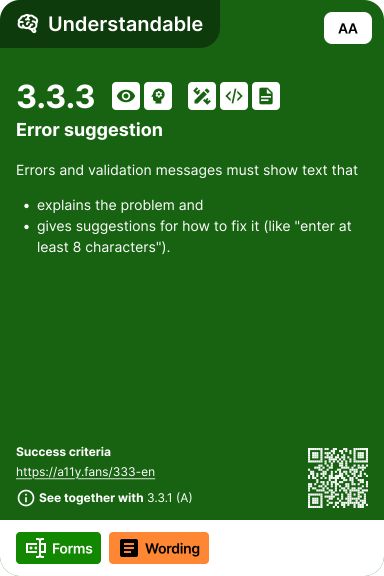
Errors and validation messages must show text that * explains the problem and * gives suggestions for how to fix it (like "enter at least 8 characters").
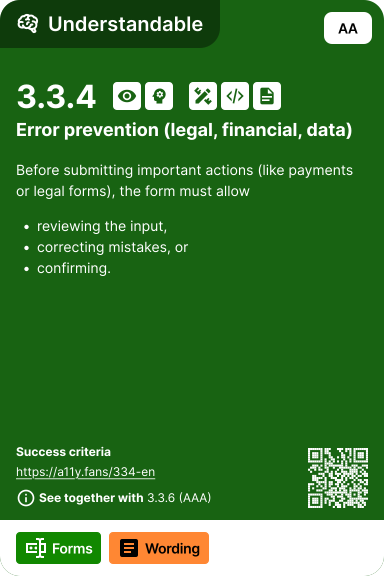
Before submitting important actions (like payments or legal forms), the form must allow * reviewing the input, * correcting mistakes, or * confirming.
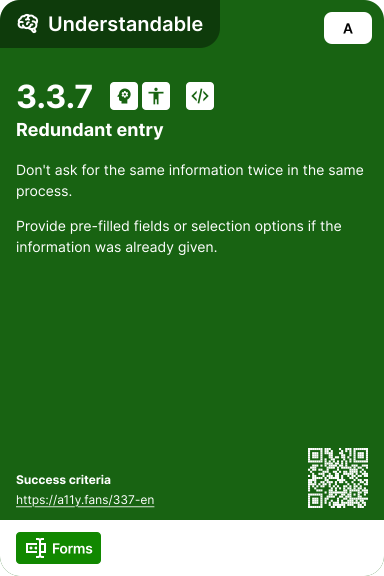
Don't ask for the same information twice in the same process. Provide pre-filled fields or selection options if the information was already given.
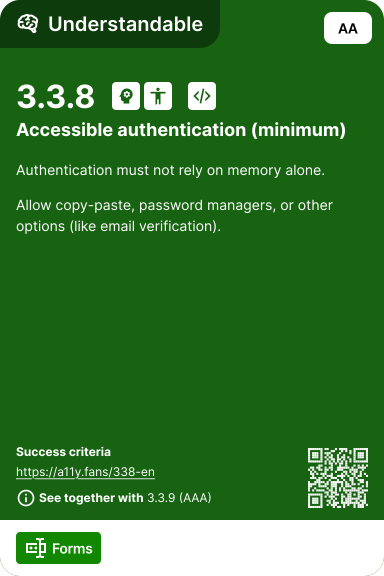
Authentication must not rely on memory alone. Allow copy-paste, password managers, or other options (like email verification).
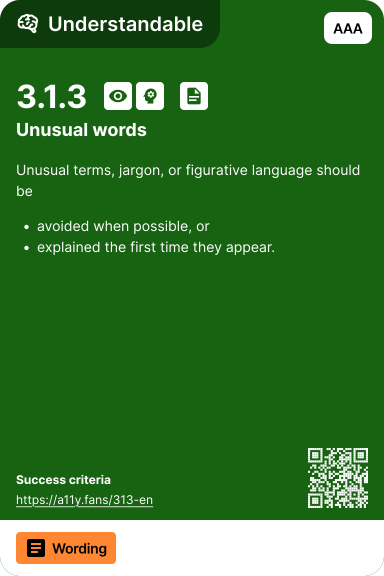
Unusual terms, jargon, or figurative language should be * avoided when possible, or * explained the first time they appear.
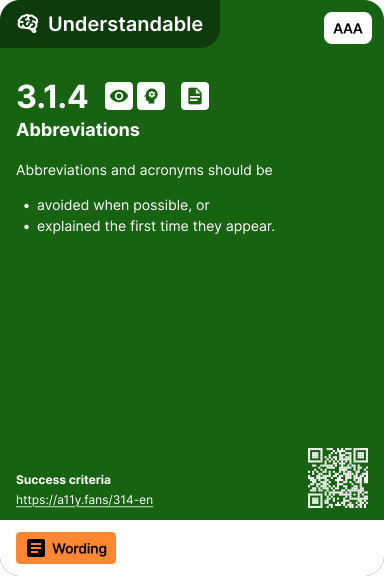
Abbreviations and acronyms should be * avoided when possible, or * explained the first time they appear.
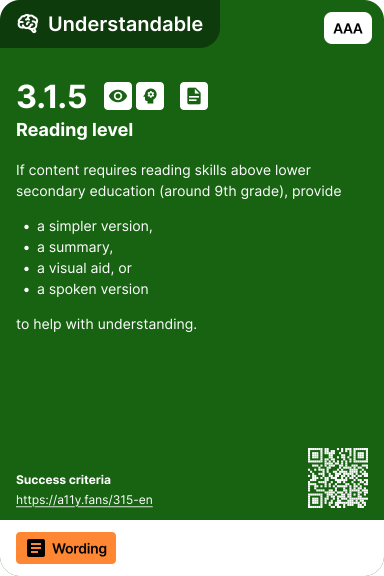
If content requires reading skills above lower secondary education (around 9th grade), provide * a simpler version, * a summary, * a visual aid, or * a spoken version to help with understanding.
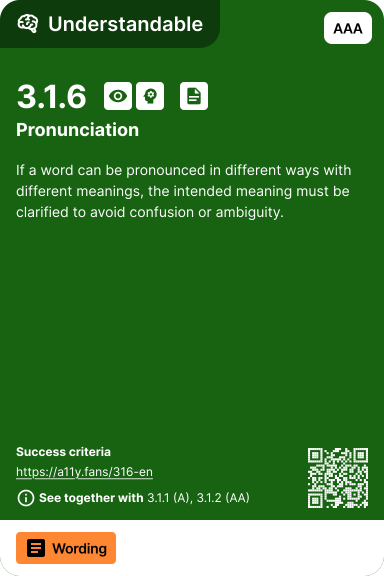
If a word can be pronounced in different ways with different meanings, the intended meaning must be clarified to avoid confusion or ambiguity.
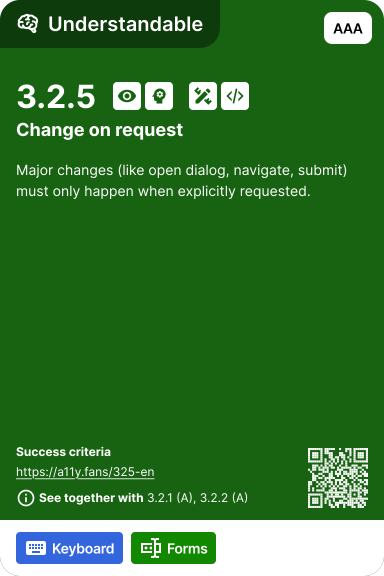
Major changes (like open dialog, navigate, submit) must only happen when explicitly requested.
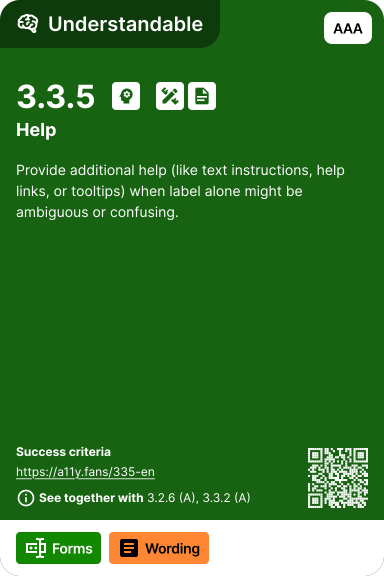
Provide additional help (like text instructions, help links, or tooltips) when label alone might be ambiguous or confusing.
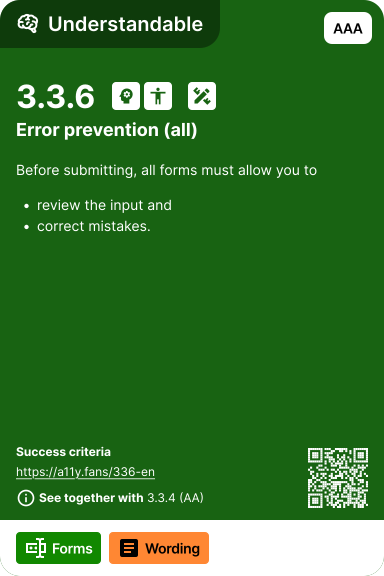
Before submitting, all forms must allow * reviewing the input, * correcting mistakes, or * confirming.
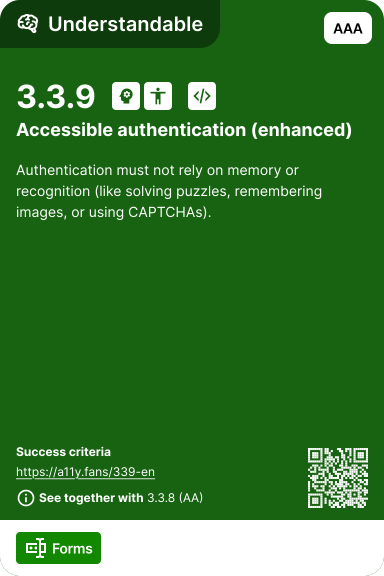
Authentication must not rely on memory or recognition (like solving puzzles, remembering images, or using CAPTCHAs).
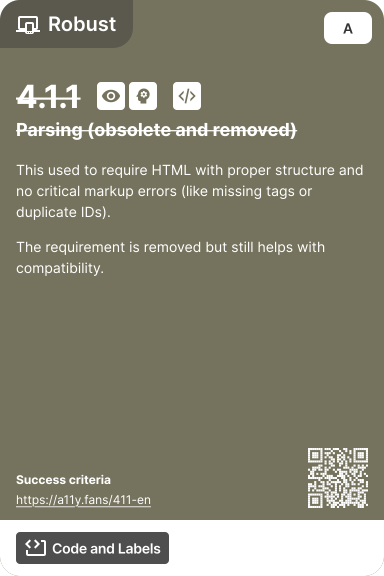
This used to require HTML with proper structure and no critical markup errors (like missing tags or duplicate IDs). The requirement is removed but still helps with compatibility.
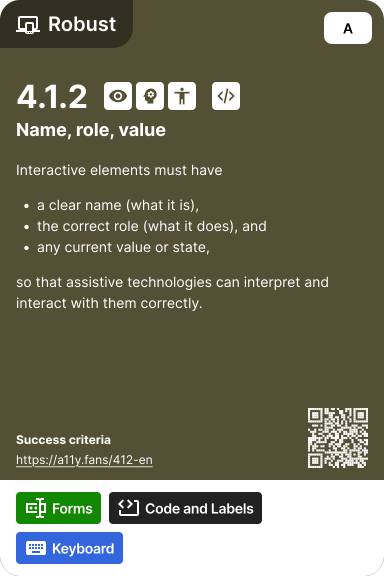
Interactive elements must have * a clear name (what it is), * the correct role (what it does), and * any current value or state, so that assistive technologies can interpret and interact with them correctly.
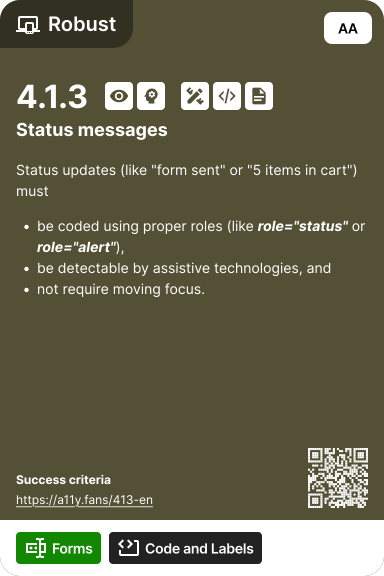
Status updates (like "form sent" or "5 items in cart") must * coded using proper roles (like **_role="status"_** or **_role="alert"_**), * be detectable by assistive technologies, and * not require moving focus.